The short version
- QuickBooks’ built-in AI is called Intuit Intelligence. On Australian plans it includes a chat and AI helpers called Accounting AI, GST AI, Customer AI, Finance AI and Project Management AI.1,4
- Intuit says its AI features cost nothing extra for now. The chat is in beta and only admin users get the full version. The number of questions each month is capped.1,18
- GST AI checks your BAS figures before you lodge and suggests fixes. Intuit says it never changes a transaction or lodges anything itself.13,14
- Accounting AI suggests how to code bank transactions, and nothing is posted until you or your adviser approve it. Intuit says you can’t turn AI features off one at a time.12,19
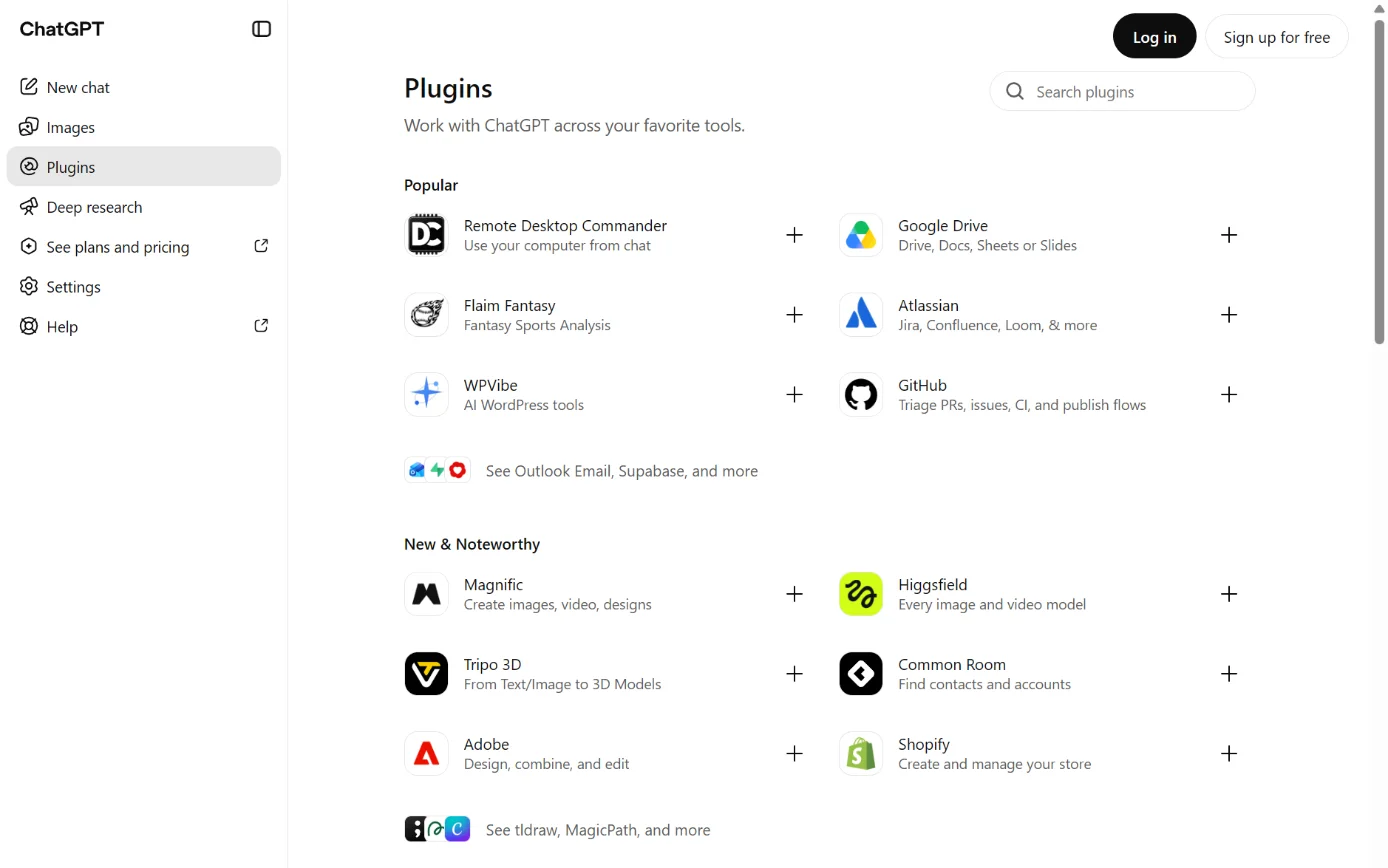
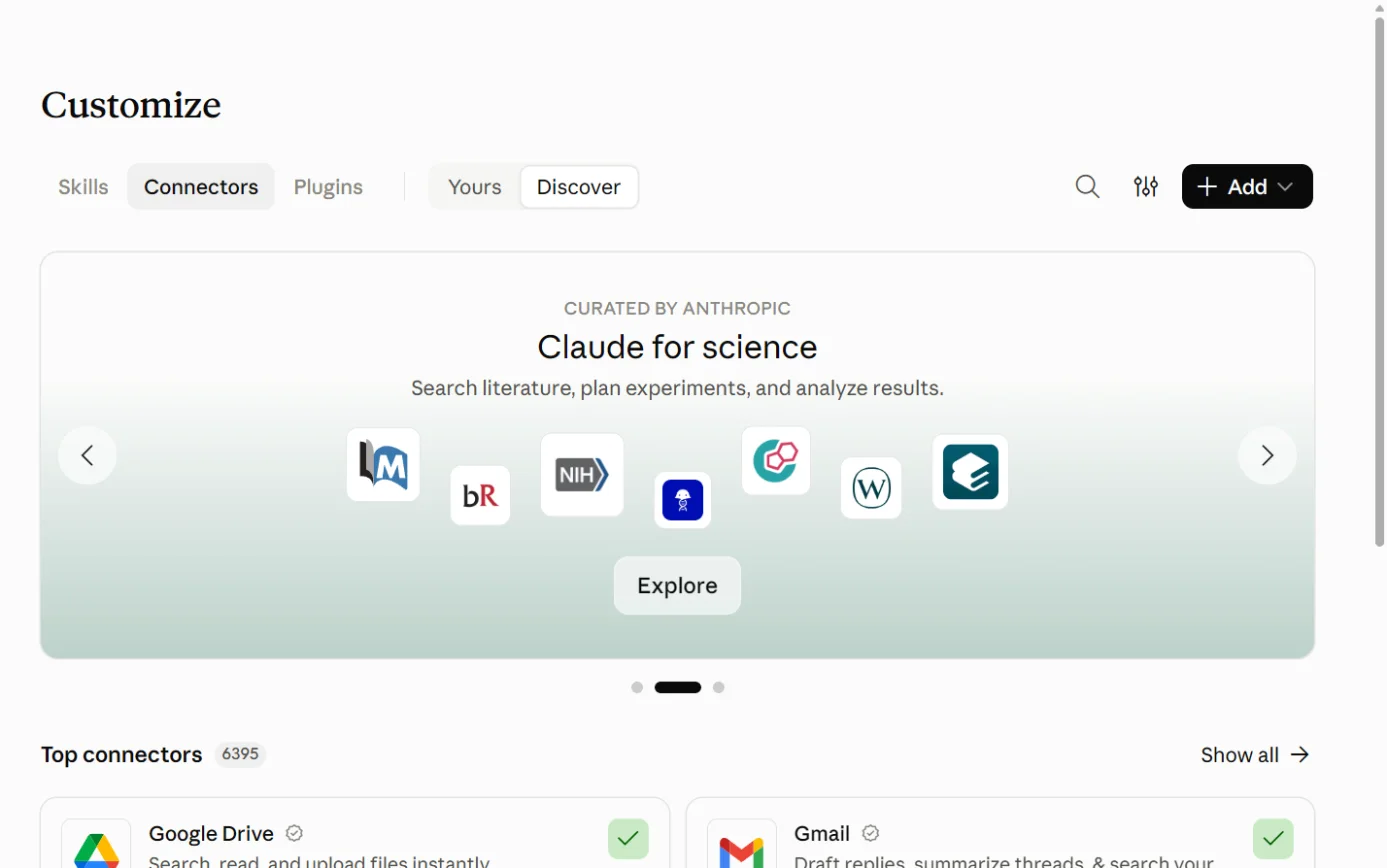
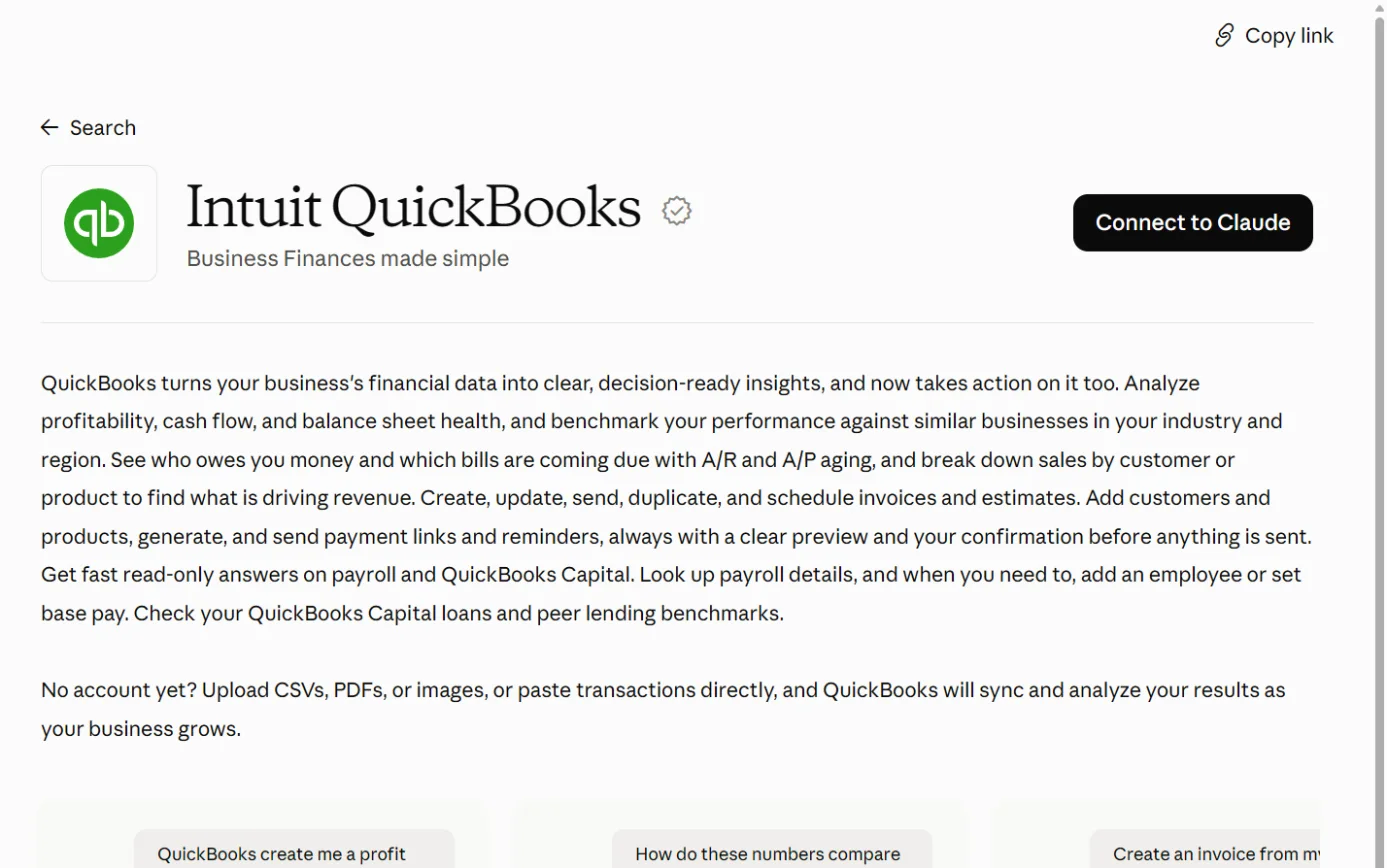
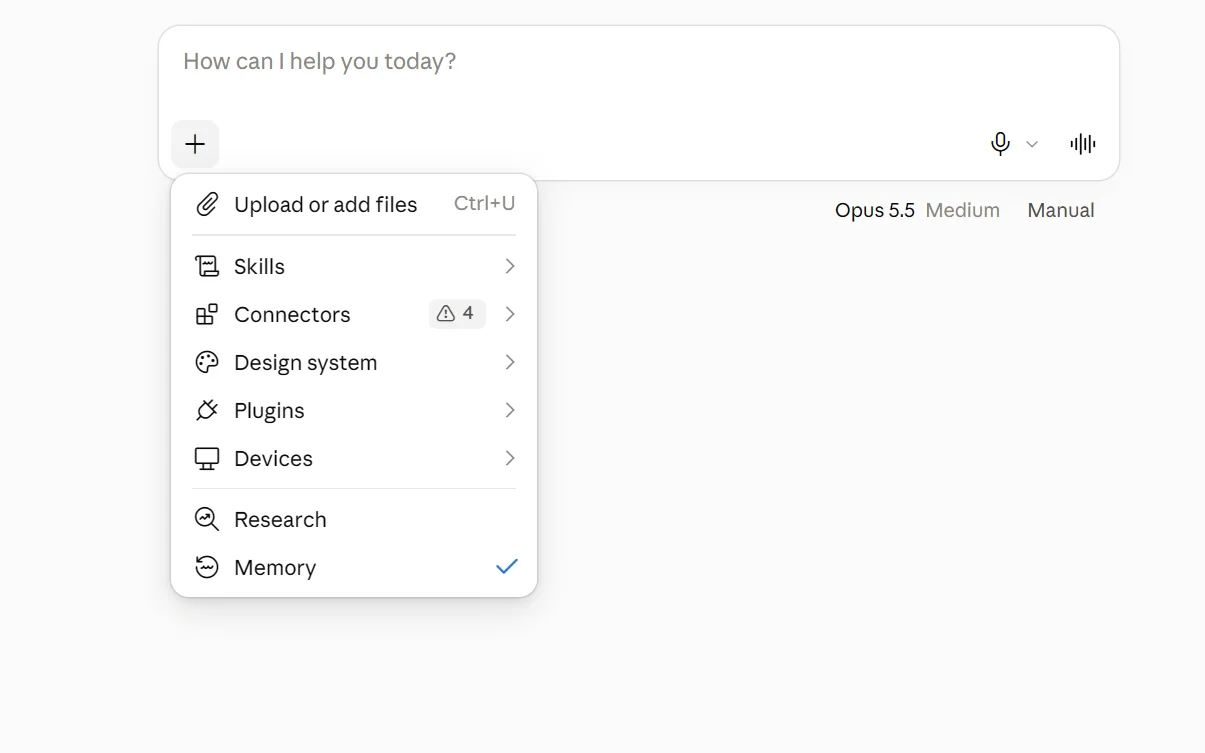
- Official QuickBooks connections exist for Claude, ChatGPT and Gemini, but all three are for US customers only for now.36,47,57
- The Claude and ChatGPT connections can also create and send invoices. Intuit describes confirmation steps for some actions, such as deleting an invoice or sending a payment reminder.36,46
- We found no official QuickBooks connection for Microsoft Copilot.54,55,56
- Intuit’s privacy statement says it may use personal information to train its own AI models. Intuit says its agreements stop OpenAI and Anthropic training their models on customer data.29,31
- Intuit may store and process personal information in the United States and other countries outside Australia.29,32
- For accountants, QuickBooks Online Accountant retires on 31 December 2026. Its replacement, Intuit Accountant Suite, carries the AI tools and is in beta.7
The plans
QuickBooks Online is Intuit’s online accounting software. In Australia it’s sold by Intuit Australia Pty Ltd, and the plans are priced in AUD including GST.1,32
Intuit says QuickBooks has 7 million customers globally. Its Australian pricing page gives no figure for Australia.1
These are the regular monthly prices on the Australian pricing page as read on 17 October 2026.1
| Plan | Price a month (AUD, incl. GST) | Users | AI the pricing page lists |
|---|
| Simple Start | $33 | 1, plus access for your accountant | Intuit Intelligence chat (beta, limited questions a month), Accounting AI, GST AI pre-lodgement check |
|---|
| Essentials | $60 | 3, plus access for your accountant | As Simple Start, plus Accounting AI for sharing information with your accountant |
|---|
| Plus | $84 | 5, plus access for your accountant | As Essentials, plus Accounting AI that “Finds and fixes errors” and Customer AI |
|---|
| Advanced | $125 | 25, plus access for your accountant | As Plus, plus Finance AI, Project Management AI and workflow automation |
|---|
Sources for the table:1
- The pricing details say “All prices are in AUD and include GST.”1
- New subscribers were offered 70% off, which makes the plans $9.90, $18, $25.20 and $37.50 a month. The banner says the discount lasts 6 months, but the offer terms on the same page say 3 months, with full price from month 4.1
- There’s a 30-day free trial. QuickBooks Payroll, powered by Employment Hero, is charged separately for each active employee.1
- Finance AI is on Advanced only. It isn’t available to businesses with multi-currency turned on.1
- Intuit’s US help describes AI that Australian plans don’t list. Its Payments AI is “only available to customers in the US”.24,4
- Intuit’s US launch in October 2025 also named a Payroll Agent and a Sales Tax Agent. The Australian AI page doesn’t list either.27,4
Tools for accountants and bookkeepers
- Intuit Accountant Suite is Intuit’s platform for firms. One sign-in reaches every client’s QuickBooks data.7
- Intuit says QuickBooks Online Accountant retires on 31 December 2026, and asks firms to move to Intuit Accountant Suite.7,16
- Intuit Intelligence chat isn’t available in QuickBooks Online Accountant.1,16
- Core has no monthly fee. Accelerate is free during the beta, then A$113 a month from 20 January 2027, including GST. You can opt out at any time.7
- Intuit says the free beta for Accelerate and Books Close ends on 19 January 2027.7
- Books Close is a separate subscription that’s free during the beta and charged after it. We didn’t find its price.1,16
- The accountant page says a 50% discount applies to Accelerate and Books Close for the first 12 months. The pricing page’s terms describe 50% off for the first 6 months, for new subscribers and firms moving from QuickBooks Online Accountant.7,1
- A May 2026 Intuit blog said firms would be charged from 1 August 2026. The current pages say 20 January 2027.16,7
What’s built in
Intuit’s Australian site describes Intuit Intelligence as “the engine that powers AI in your QuickBooks”. Through the chat, it says, “you can ask any question and have AI complete tasks for you.”2
Intuit’s older name, Intuit Assist, still appears on a US Intuit page and in some Australian help article addresses.28,18
Intuit says the platform uses “large language models for reasoning, machine learning for prediction, and deterministic code where precision is critical”. It also says “Intuit Intelligence can make mistakes.”26
Intuit’s Australian help says “We don’t use GenAI to calculate the numbers in QuickBooks.”22
In November 2025 Intuit said OpenAI’s models would help power AI agents across its platform.64
Intuit Intelligence chat (beta) Answers plain-English questions from your company’s data, such as what your cash flow was last month.
- What it does
- Answers plain-English questions from your company’s data, such as what your cash flow was last month.17,18
- Builds and changes reports, finds transactions, explains why a figure changed, and reads files you upload.18
- Intuit’s Australian page says the chat drafts invoices in bulk for your review and sends prioritised payment reminders with your approval.3
- You can describe a repeating task in the chat and give it a schedule. Intuit’s examples include a weekly profit and loss digest and invoice reminders.3,17
- AI summaries of reports are on Advanced only.18
- Intuit says a QuickBooks product expert or your accountant can join the chat when needed.3
- Where to find it
- Select the Intuit Intelligence icon, a blue and white keyboard, to open the assistant pane. In full-screen view, past chats are under the Recent tab.18
- The pane opens by itself. To stop that, type a request such as “Disable Intuit Intelligence” or “Stop opening this pane automatically.”18
- Which plans have it
- All four Australian plans list it, marked Beta.1
- Primary and company admin users get the full chat. Other users can only use it for product support.3,1
- Intuit’s Australian help says each eligible plan includes 25 chat prompts a month. An add-on gives 100 more for $10 a month, and there’s no unlimited option.18
- Intuit’s accountant page gives different monthly limits for client books: 25 on Simple Start, 50 on Essentials, 100 on Plus and 200 on Advanced.7
- Intuit’s update notes say “Each account gets a set amount of capacity each month, and the amount varies by plan.”17
- When the prompts run out, the chat stops until your next billing cycle.18
- Intuit says AI features are “currently available at no additional cost”.1
- What happens to your data
- The chat works from your company’s live accounting and payments data.18
- Intuit says your thumbs up and thumbs down ratings help the chat learn.18
- Intuit’s privacy statement lists “training our artificial intelligence models and other machine learning models” among its uses of personal information.29
- Intuit’s responsible AI page says it trains its AI with Intuit’s own data, including customer data as described in that privacy statement.30
- The privacy statement says Intuit’s service providers include “AI providers, including generative AI providers”.29
- The privacy statement describes an opt-out from some automated processing for residents of certain US states. We found no opt-out from AI training.29
- Intuit’s help says “Currently, there isn’t a way to turn off AI features individually.”19
- In Australia
- Intuit’s Australian pricing page and help centre describe it, labelled beta.1,18
- Intuit announced the international rollout on 14 October 2026, with a Sydney dateline among others.26
- Intuit says some AI outputs are in English only, and recommends you “review all outputs carefully”.1
Accounting AI (bank feeds and books checks) Suggests categories and matches for bank transactions, and learns from how you and your accountant code them.
- What it does
- Suggests categories and matches for bank transactions, and learns from how you and your accountant code them.5,12
- Groups the transactions it’s confident about as “Ready to post”, so you can review them and post them together.20
- Sends one link so your accountant, a client or a team member can reply with details and files. It checks the right receipts come back.20
- On Plus and Advanced, suggests the GST code for a transaction. It also reviews your Balance Sheet and Profit and Loss for problems such as duplicates and miscategorised transactions.20
- On Plus and Advanced, it flags anomalies. Intuit says “You stay in control, deciding whether to take action.”11,15
- Intuit says “All category and matching suggestions must be approved by you or your Advisor before any transaction can be posted.”12
- For Plus, Intuit’s August 2026 notes describe “Smart Expert Categorisation”, where Accounting AI codes transactions for you “with a human reviewing in the background for accuracy”. Intuit doesn’t say who that person is.17
- Where to find it
- Ready to post items appear in the Needs attention widget and on the Bank transactions pages.20
- For report insights, go to Reports > Standard reports, open the Balance Sheet or Profit and Loss, select the Insights icon, then Analyse Books with Accounting AI.20
- Work done by Intuit’s AI also goes to your business feed for you to review and approve.5
- Which plans have it
- The bank transaction features are on all four plans.20,1
- Collaboration with your accountant (beta) is on Essentials and above.12,15
- Anomaly detection, GST code suggestions and report insights are on Plus and Advanced.12,20
- What happens to your data
- Intuit says the AI learns your business as you or your accountant categorise transactions.5
- The training statements under Intuit Intelligence chat apply. We found no separate statement for Accounting AI.29,30
- When Intuit launched the AI bank feed, it was opt-in. Intuit said all users would eventually be moved to it automatically.12
- Before turning on Smart Expert Categorisation, Intuit says to check with your accountant or bookkeeper.17
- In Australia
- Australian pages and help articles describe it. Intuit says it works with Open Banking in Australia.12,20
- Intuit’s February 2026 notes list improved AI-powered bank feeds and AI extraction from PDF bank statements.17
- Report insights cover “a majority of Balance Sheet and P&L accounts, but not all of them”.20
GST AI (beta) Compares the income in your Profit and Loss with the net sales on your BAS for the same period. It lists each transaction that causes a difference and suggests a fix.
- What it does
- Compares the income in your Profit and Loss with the net sales on your BAS for the same period. It lists each transaction that causes a difference and suggests a fix.14,13
- Intuit says it’s good at catching transactions with no GST rate selected, income posted to an expense account, and income lines carrying a payroll tax code.14
- Intuit says it “highlights and suggests” and “never changes a transaction or lodges anything on its own”.14
- You review and approve every correction, then lodge the BAS yourself.13
- Where to find it
- Go to All apps > GST > Overview. On the To do tab, select the arrow next to Prepare BAS and choose Pre-file check.14
- Pre-file check only appears once you’ve lodged at least one BAS in QuickBooks.14
- Flagged items also show in the Business Feed.13
- Which plans have it
- All four plans list it.13,1,6
- It’s labelled beta. Intuit says beta features have limited availability and are subject to change.13,1
- What happens to your data
- It reviews your GST and financial data. The pages we read have no separate data statement for it.13
- Its output was “English only at launch”.13
- In Australia
- It’s built for Australian activity statements. Intuit says it helps with a pre-lodgement check for ATO activity statements.10,14
- Intuit’s page says the agent aims for “alignment with Australian Taxation Office (ATO) standards”. It doesn’t say the ATO has approved it.11
Customer AI Reads your connected Gmail or Outlook inbox to find possible sales leads, and lists them as Hot or Warm.
- What it does
- Reads your connected Gmail or Outlook inbox to find possible sales leads, and lists them as Hot or Warm.21
- Suggests next steps, such as a reply or an estimate, and drafts responses. You review a draft and select Send yourself.21
- It keeps watching those conversations and may suggest changes, which you can Confirm or Dismiss.21
- Where to find it
- The primary admin goes to All apps > Customer Hub > Opportunities, selects the Suggested by AI icon, then Import leads from your inbox.21
- Choose Gmail or Outlook, select Continue twice, then sign in to your email and grant access.21
- To disconnect, go to Integrations > Manage integrations, find the account under My integrations, select the more icon, then Disconnect.21
- What happens to your data
- Once connected, it reads 30 days of your email.21
- Intuit’s article points you to its privacy settings and makes no other data claim.21
- In Australia
- Australian pages list it on Plus and Advanced, and Intuit’s Australian help describes the setup.1,21
Finance AI Gives a summary view of your financial performance, with insights and planning support.
- What it does
- Gives a summary view of your financial performance, with insights and planning support.4,19
- Intuit’s US help describes a Review Summary covering performance highlights, cash flow, the balance sheet and budget comparisons, with recommendations. You can edit it and export it as a PDF.23
- Where to find it
- Intuit’s US help says Reports > Standard reports > Review Summary. We didn’t find an Australian version of that article.23
- Which plans have it
- Advanced only, and not for businesses with multi-currency turned on.1
- What happens to your data
- Intuit’s US help says it uses your financial data and can collect data and insights across all your companies.23
- In Australia
- Listed on the Australian Advanced plan.1,4
Project Management AI Creates draft projects with key details filled in.
- What it does
- Creates draft projects with key details filled in.4
- Intuit’s global page says it reads contracts, quotes or proposals you upload, and makes draft projects for you to review and edit before you save them.25
- Where to find it
- Drafts appear in the Projects app. Setup alerts appear in the Business Feed.25
- What happens to your data
- We found no statement about this feature in particular. The training statements under Intuit Intelligence chat apply.29,30
- In Australia
- Listed on the Australian Advanced plan. Intuit says its output was “English only at launch”.1,25
Automations and invoicing on autopilot (beta) Custom automations: describe a repeating task in the chat, or start from a template, then set a schedule.
- What it does
- Custom automations: describe a repeating task in the chat, or start from a template, then set a schedule.17,3
- Invoicing on autopilot scans saved documents, such as statements of work and sales orders, and drafts invoices “for you to review and send”.17
- You choose when overdue invoices are flagged, and reminders are prepared for you.17
- Intuit’s 14 October 2026 release names Automations, Autonomous Invoicing and Conversational Custom Reports, all in beta.26
- Where to find it
- Through Intuit Intelligence chat and its Skills Hub.18,17
- Which plans have it
- Custom automations (beta) are listed from Simple Start, with limited capacity each month.3
- Invoicing on autopilot is on Essentials, Plus and Advanced, with monthly usage limits.17
- Workflow automation, which the pricing page lists separately, is on Advanced.1
- What happens to your data
- We found no statement about these features in particular.17,26
- In Australia
- Intuit’s release says these features are rolling out in beta to QuickBooks Online and QuickBooks Online Advanced customers in international markets.26
- Intuit’s Australian help listed them in its August 2026 update notes.17
Intuit Intelligence in Intuit Accountant Suite (beta, for accountants) The chat answers questions about your firm and your clients, and can work across client files.
- What it does
- The chat answers questions about your firm and your clients, and can work across client files.7
- Custom automations, for example for reconciliation or month-end preparation, can run across client files or on a schedule.7
- On Accelerate, an AI summary shows what needs attention across your clients, including anomalies and their causes.7
- Cross-client comparisons are in beta.7
- Where to find it
- Inside Intuit Accountant Suite, which replaces QuickBooks Online Accountant.7
- Which plans have it
- During the beta, chat is capped at 200 questions a month on Core and 1,000 on Accelerate.7,1
- Portfolio insights and the AI summary need Accelerate.7
- Questions you ask inside a client’s books count toward that client’s monthly prompts.7
- What happens to your data
- Intuit says the chat draws on clients’ real-time business data, files uploaded in chat and “real-world data points”.16
- The accountant pages we read make no statement about training.7,16
- In Australia
- Intuit’s Australian accountant pages describe it, with AUD prices.7
- Intuit’s October 2026 release says availability across Accountant Suite varies “by product and region”.26