ActivityAbout two minutes
Would you paste this?
Sort everyday things into fine, only with changes, or never, and leave with your own list.
Try itOur articles, research and activities, sorted by what they’re about. You read them or try them online, and every piece shows its sources so you can check our working.
Looking for printable lessons for a class? Those are the free classroom packs.
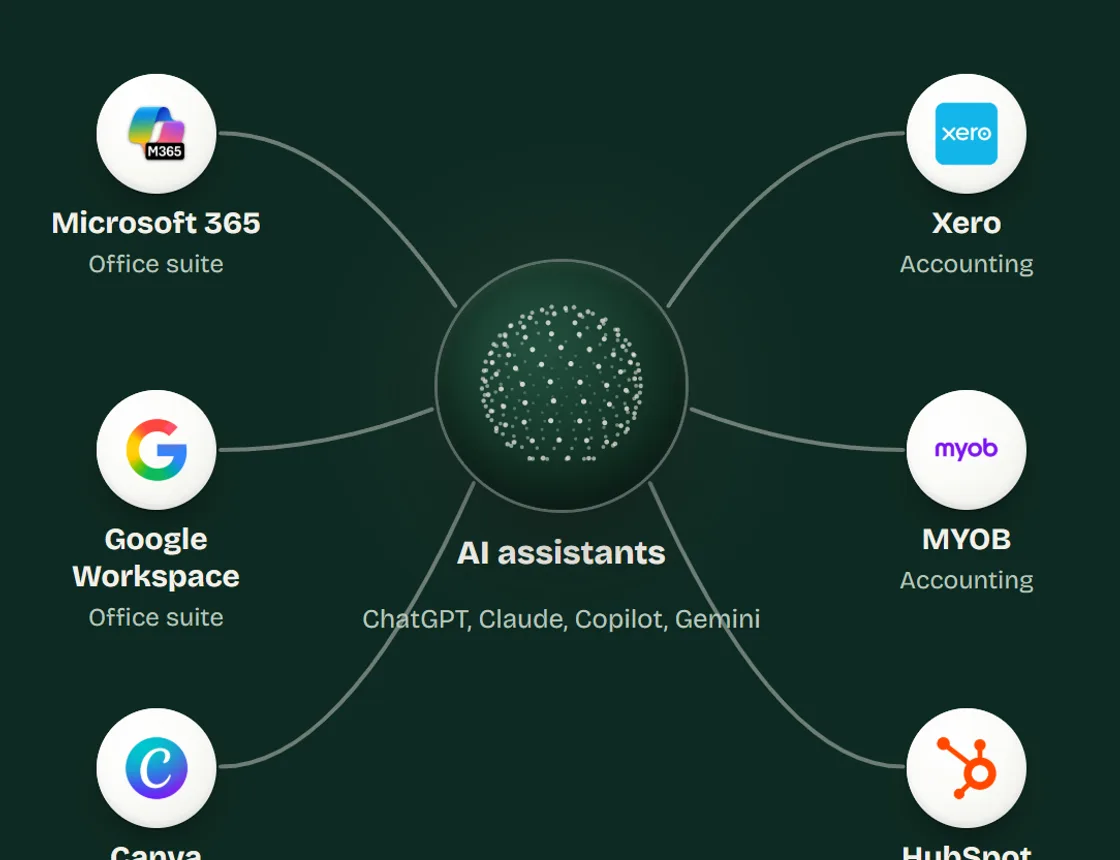
An agent is an AI tool that’s been connected to your other apps, so it can do a job across them. Pick a job and watch it work.
 Gmail
Gmail  Google Calendar
  Xero
Xero  Google Docs
  Google Sheets
 Pick a job
Each job runs a step at a time. You’ll see which app the agent reaches into, and where it stops for you.
Every step is a chance for something to go wrong, which is why the ones that speak for you wait for a person. See how the chances stack up.
Each one teaches a habit our sessions teach, by having you do it.
ActivityAbout two minutes
Sort everyday things into fine, only with changes, or never, and leave with your own list.
Try itActivityAbout a minute
Watch the odds of getting everything right fall as an AI chains steps together.
Try itActivityAbout three minutes
A confident answer with five references, and one of them doesn’t exist.
Try itActivity
Watch an AI agent do an everyday job across your apps, and see where it stops for you.
Try itActivityAbout ten minutes
AI from 1950 to ChatGPT. Eight times someone sounded sure: call whether it held up.
Try itReference you can use without us. Every fact names its source and the date we read it, and the research behind it is open.
Eleven topics, from where AI came from to what it changes for the people doing the work. Shelves fill up as each piece is checked.
How we got here, from 1950 to the chatbot in your browser.
What a language model actually does when it answers you.
Confident wrong answers, and the tools that claim to catch them.
How to ask so the first answer is close to what you need.
How to check an answer before anyone relies on it.
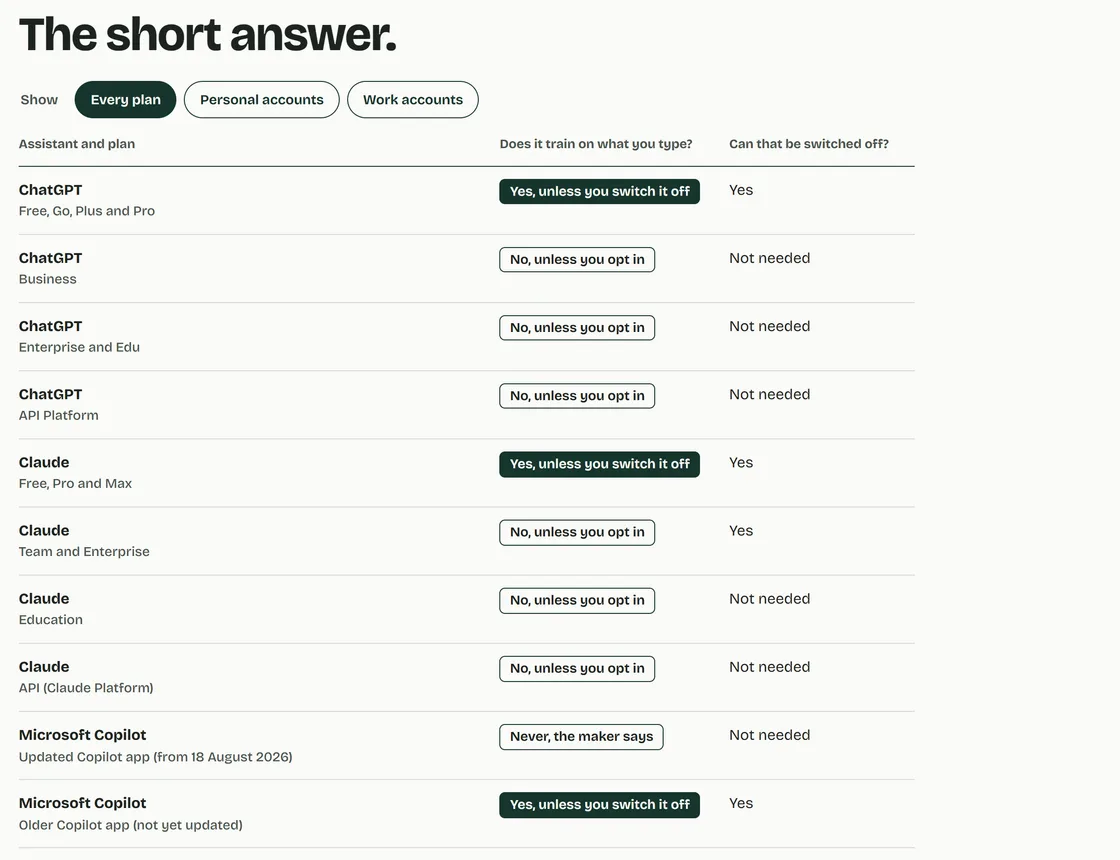
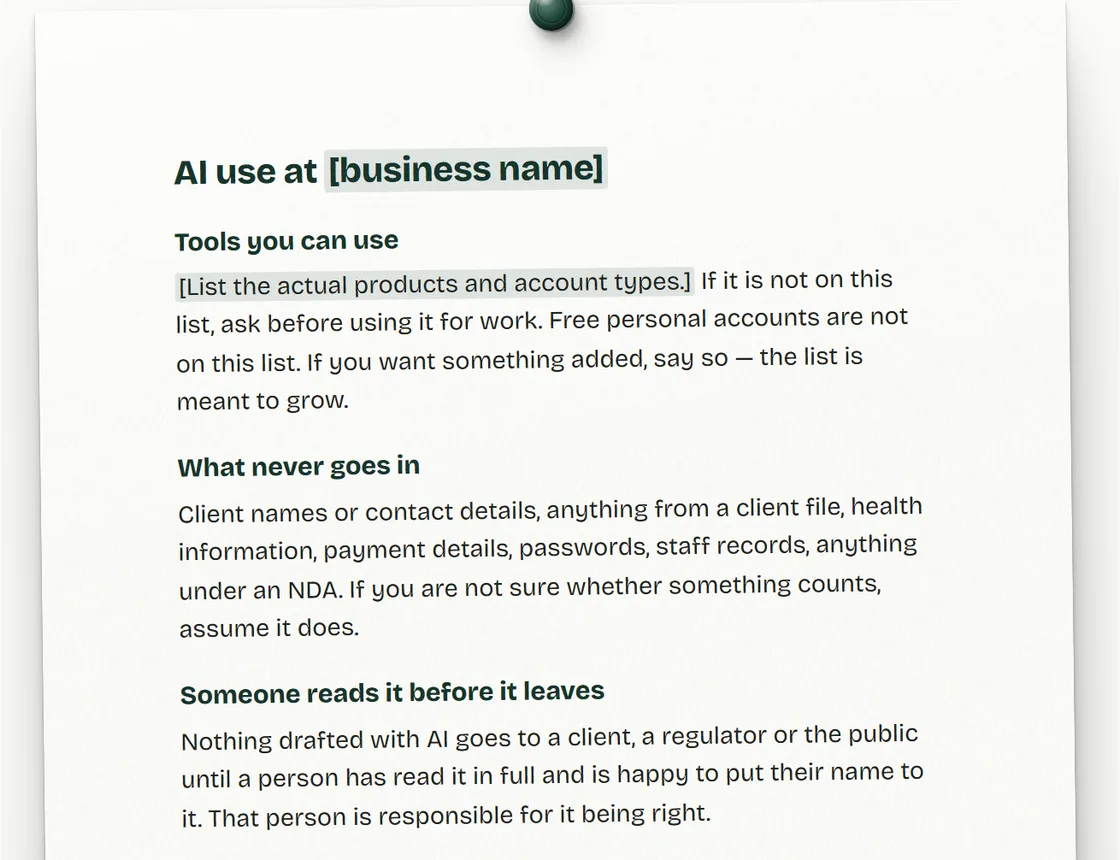
What stays out of the chat box, and who can see what goes in.
Finding the jobs worth changing, including when the answer isn’t AI.
What agents and automations can do, and what they can’t be trusted with.
Which tool suits which job, dated, because they change.
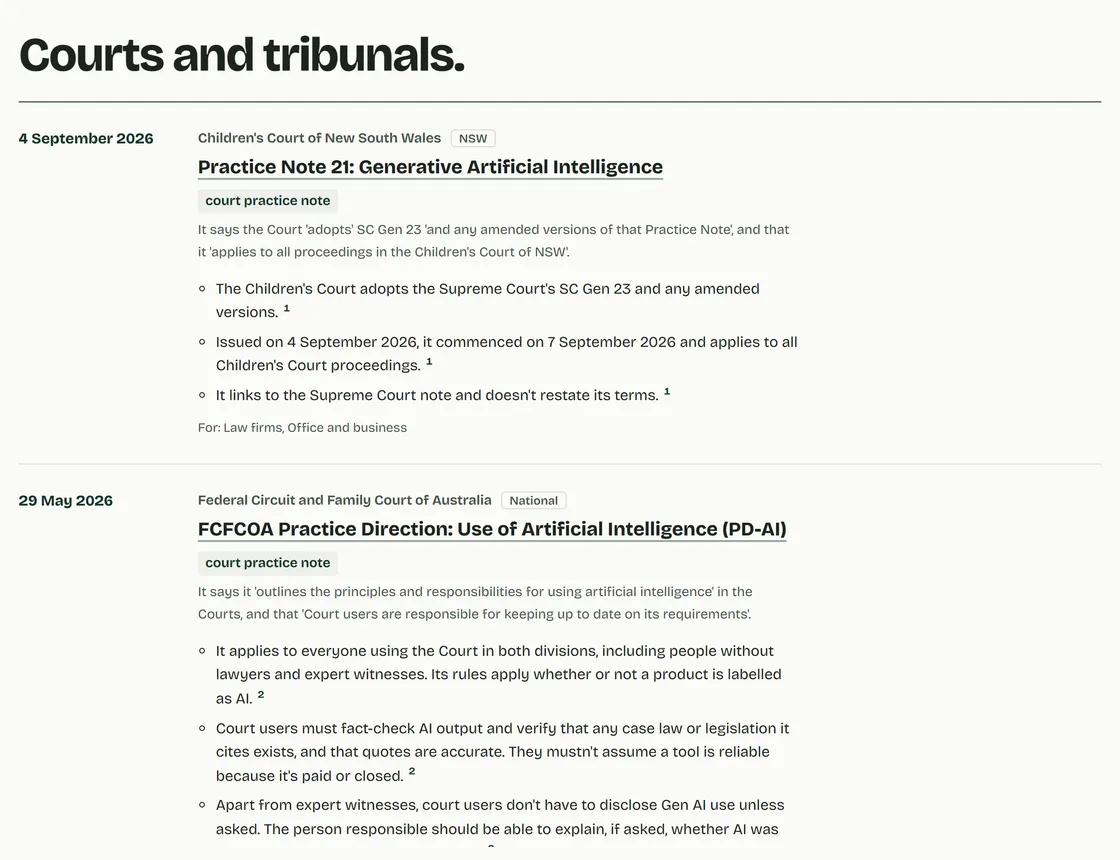
What the rule-makers have published, and what to ask your adviser.
What changes for the people doing the work.
Every session teaches from the same checked material, on your own work.