The short version
- Mailchimp is owned by Intuit, and its AI now goes by the name Intuit Intelligence. Mailchimp calls it a beta for certain users on Standard, Premium and legacy plans, at no extra cost “at this time”.2,22
- The main built-in pieces are Analytics AI, a chat box that answers questions about your results, and Write with AI in the email builder. Mailchimp also predicts things like the best send time and which customers might stop buying.5,6,11,12
- Most of it needs the Standard plan or higher. Mailchimp’s pricing table shows its generative AI features as not included on Free or Essentials.1,6
- Write with AI works for accounts with a mailing address in Australia, Canada, the UK or the US. AI-written automation flows are for US addresses only.6,9
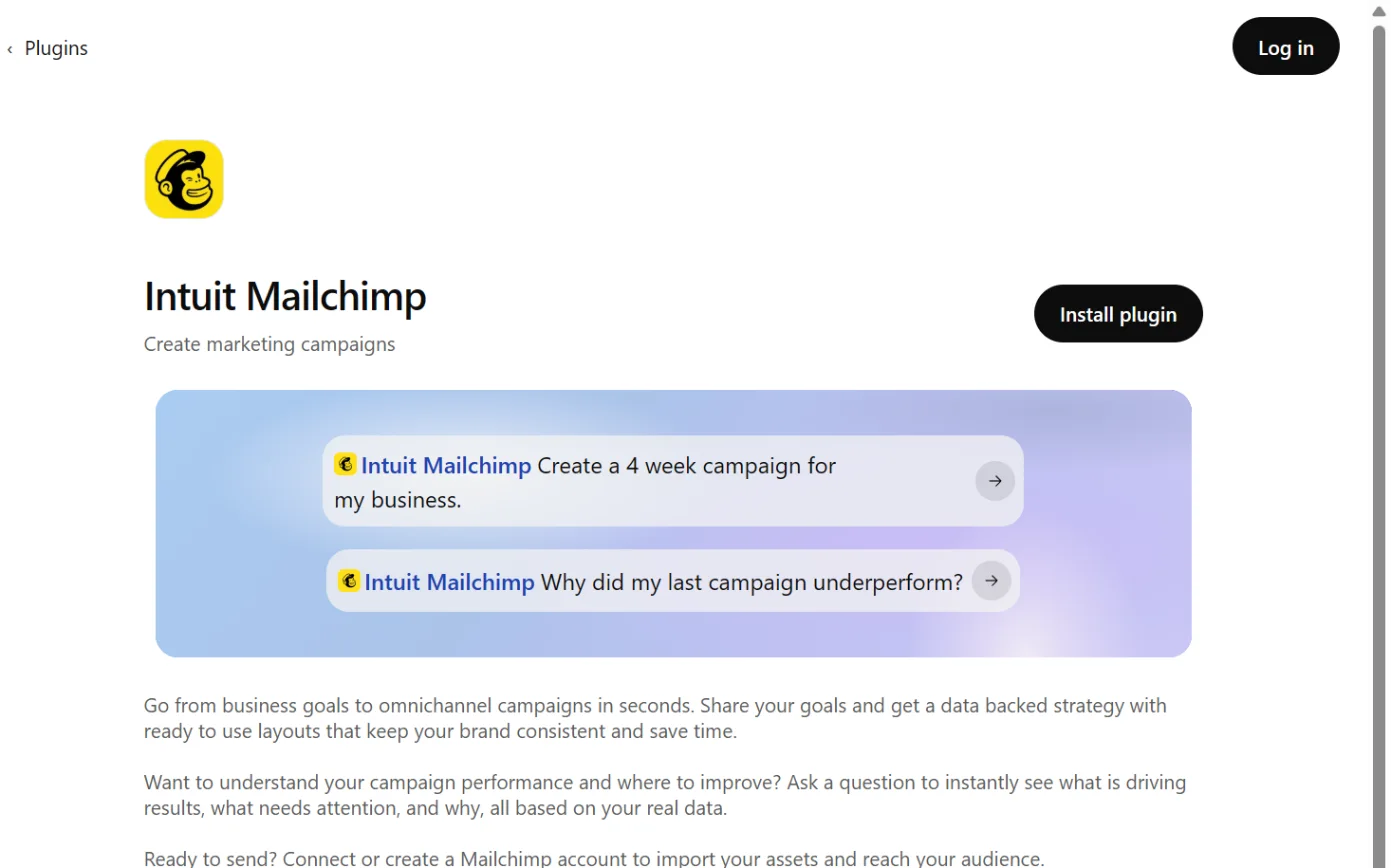
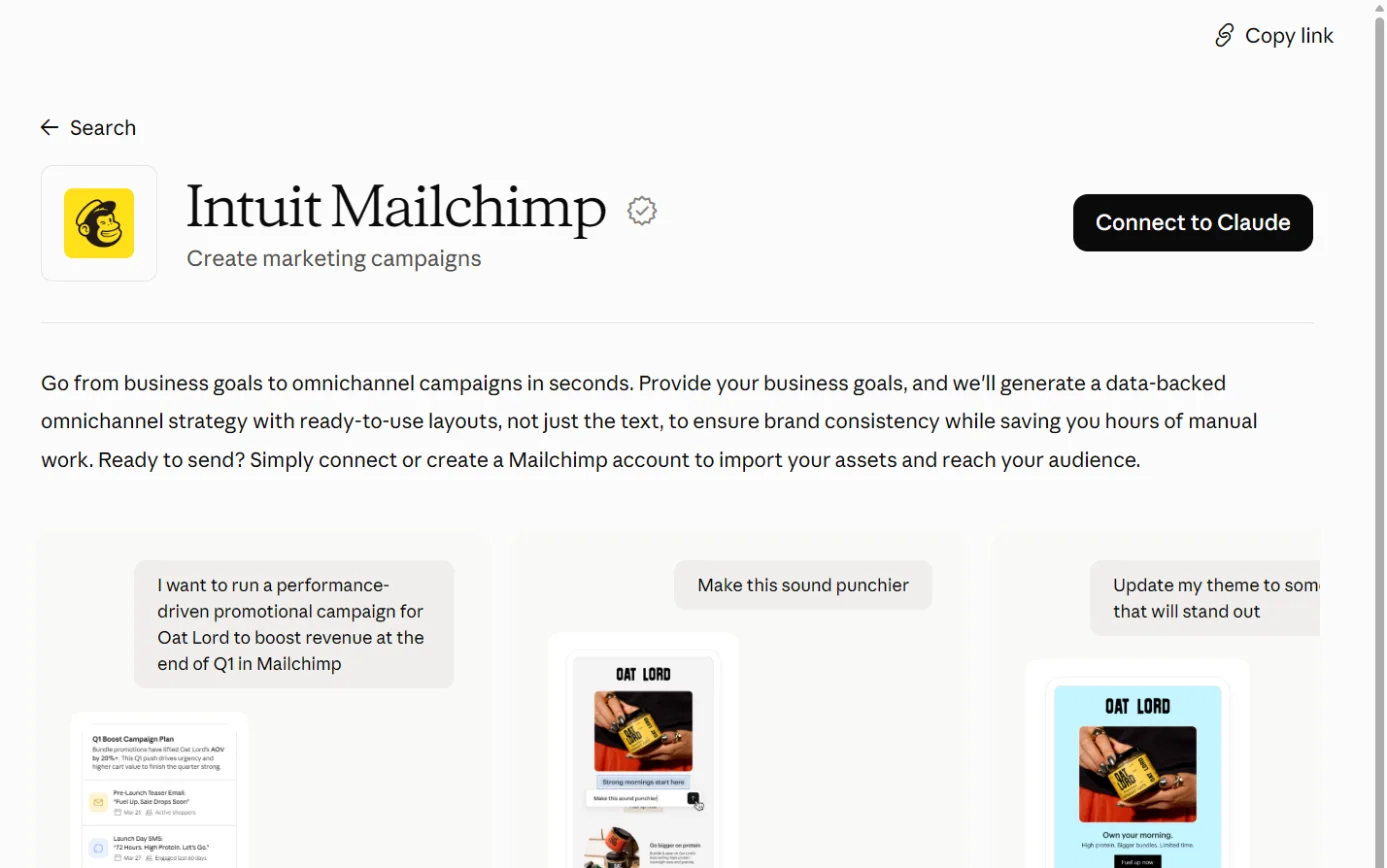
- Claude and ChatGPT both have official “Intuit Mailchimp” connections. They plan campaigns from your past results and can save drafts into your Mailchimp account. You still send from Mailchimp.27,26,32,24
- Mailchimp said on 28 May 2026 that its app in Claude and ChatGPT is available in the US, Canada, the UK and Australia. A later Mailchimp page still calls the ChatGPT app US only.4,25
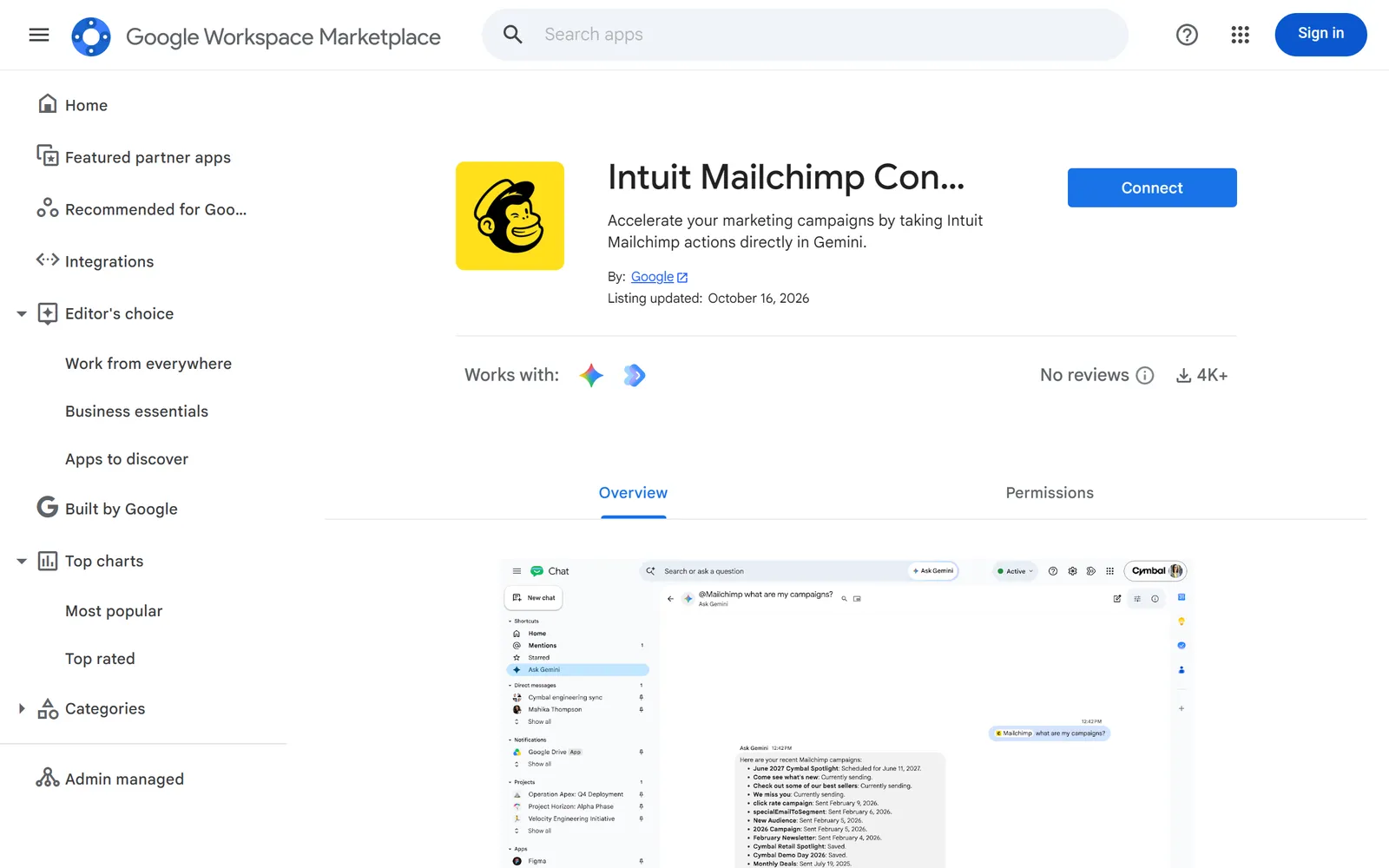
- Google lists Intuit Mailchimp among the tools Gemini can reach from Gmail, Docs and other Workspace apps. Google’s help says these integrations only read for now.41,39
- We found no official Mailchimp connection for Microsoft Copilot. Microsoft publishes its own Mailchimp connector for Power Automate and Copilot Studio.35,36,37
- Mailchimp’s terms let it use your AI inputs and outputs, including customer data, for machine learning. You can opt out of its data analytics projects in your account settings.17,16
- Mailchimp charges in US dollars. Its Australian pricing page shows AUD figures as estimates only, so we haven’t quoted prices.1
The plans
Mailchimp is Intuit’s email and SMS marketing platform. Intuit also makes QuickBooks and TurboTax.22,1
Mailchimp says it has more customers in Australia than any other email marketing and automation brand, based on public data as at February 2024.1
Prices
Mailchimp’s Australian pricing page can show prices in Australian dollars. It says those figures are estimates, and what you’re charged depends on the US dollar exchange rate on your billing day. Displayed prices also exclude taxes and fees. For exact base prices it points to the US dollar figures, so we haven’t quoted any.1
| Free | Essentials | Standard | Premium |
|---|
| Contacts | 250 maximum | From 500, up to 50,000 | From 500, up to 100,000 | From 10,000, up to 1.5 million |
|---|
| “Generative AI Features” in Mailchimp’s comparison table | Not included | Not included | “No additional cost add-on” | “No additional cost add-on” |
|---|
| Write with AI (beta) | No | No | Yes | Yes |
|---|
| Analytics AI | No | Mailchimp’s pages disagree | Yes | Yes |
|---|
| AI-written automation flows (beta, US only) | No | No | Yes | Yes |
|---|
| Send time optimisation and predictive analytics | No | No | Yes | Yes |
|---|
| Claude, ChatGPT and other AI connectors | Mailchimp’s pages disagree | Mailchimp’s pages disagree | Yes | Yes |
|---|
Sources for the table:1,2,5,6,9,11,12,25
- Standard comes with a 14-day free trial.1
- Intuit Intelligence (beta) is for “certain users” on Premium, Standard and legacy plans, at no additional cost “at this time”.2
- The pricing page uses the older name, Intuit Assist, and says it’s available “in select countries in English only”.1
- SMS is an add-on for Essentials and above in select countries. Australia is on Mailchimp’s list, and you have to apply and be approved first.50
What’s built in
Mailchimp’s AI page is headed “Mailchimp with Intuit Intelligence”. It names Analytics AI, AI recommendations, Write with AI, send-time and send-day suggestions, predicted customer attributes, AI-written automation flows and connectors to outside AI assistants.2
Analytics AI A chat assistant inside your account. You ask in plain language about campaigns, automations, your audience and revenue. It pulls the data together and suggests what to do next.
- What it does
- A chat assistant inside your account. You ask in plain language about campaigns, automations, your audience and revenue. It pulls the data together and suggests what to do next.5
- Mailchimp calls it “a native conversational analytics agent”.4
- It can look back “at least 90 days”.5
- It can pre-fill a segment or campaign for you, but nothing is created, sent, deleted or shared until you confirm.5
- Where to find it
- On your marketing dashboard (Home), scroll to the “Ask anything” chat box near the bottom. It also appears in Analytics and on some campaign and report pages.5
- Which plans have it
- The help page says paid accounts, and you need Admin or Owner permissions.5
- Mailchimp’s AI page and its What’s New page say Standard and Premium.2,3
- Revenue questions need a connected online store, and Mailchimp says it works best after you’ve sent your first campaign.5
- What happens to your data
- Mailchimp says it only looks at data inside your Mailchimp account.5
- Answers may not always be accurate. You can check the “How it was calculated” section.5
- The help page doesn’t say whether your data is used to train models. Mailchimp’s terms cover AI features in general (see “Mailchimp’s own use of your data” below).5,17
- In Australia
- Mailchimp’s 28 May 2026 announcement said it’s available “to all Mailchimp customers globally with paid plans”.4
- The help page says it’s “rolling out globally in phases”, so it may not be in every account yet.5
Write with AI (beta) Drafts new text from what you give it and the tone you choose. It also edits existing text: change the tone, shorten, lengthen, fix spelling and grammar, or follow your own instruction.
- What it does
- Drafts new text from what you give it and the tone you choose. It also edits existing text: change the tone, shorten, lengthen, fix spelling and grammar, or follow your own instruction.6
- Mailchimp says it’s “Powered by Intuit AI”.6
- It works in the email builders and the SMS builder.6
- Where to find it
- In the new builder, drag in a Paragraph, Heading or Button block, or click existing text, to see the AI options.6
- In the legacy builder, new blocks show a Write with AI button and existing ones show Edit with AI.6
- For SMS, go to SMS > Create SMS, click Edit in the Content section, then Write with AI in the Message box.6
- Which plans have it
- Standard or higher.6
- It’s a beta, released first “to a small percentage of Mailchimp users”.6
- What happens to your data
- The help page points you to Mailchimp’s Generative AI Beta Terms before you send anything it wrote.6,7
- Those terms name Microsoft Azure and OpenAI as providers that may access, use and store your inputs and outputs.7
- They also give Mailchimp and OpenAI a licence to your inputs and outputs “for any purpose, including to develop and improve the Beta Product”.7
- Mailchimp may use your inputs and outputs, including customer data, for machine learning. The terms say “You may select preferences about your data by visiting your account settings.”7
- Mailchimp bans using it for some content, including health or financial advice, and content about alcohol, tobacco or weapons.6
- In Australia
- Write with AI “is available to accounts with a primary mailing address in Australia, Canada, United Kingdom, or United States.”6
- The beta terms say it’s English only for now.7
Create Email Content with AI Turns material you already have, such as a blog post link or pasted text, into email layouts with suggested words.
- What it does
- Turns material you already have, such as a blog post link or pasted text, into email layouts with suggested words.8
- You choose a layout, such as an article summary or a product promotion, and you can adjust the brand voice.8
- Where to find it
- In the new email builder, open the Add panel and find the AI-Generated Columns. Drag a layout into your email, choose Generate from link or Generate from text, then click Generate layout.8
- Which plans have it
- Mailchimp says paid plans, in the new email builder only.8
- That sits oddly with the pricing table, which shows generative AI features as not included on Essentials.1,8
- What happens to your data
- If you give it a link, the page must be public and not password-protected so the generator can read it.8
- The help page makes no data or training statement.8
- In Australia
- The help page doesn’t mention country limits.8
AI-written automation flows (Intuit AI flow templates, beta) Writes and designs on-brand emails for some automation flow templates, such as welcomes, win-backs, abandoned carts and birthdays.
- What it does
- Writes and designs on-brand emails for some automation flow templates, such as welcomes, win-backs, abandoned carts and birthdays.9
- It draws on your brand kit. You can edit the emails, and nothing sends until you turn the flow on.9
- Where to find it
- Automations > Flow templates, then the “AI-powered flows” section.9
- Which plans have it
- Standard or higher, with a store connected from Shopify, WooCommerce, Squarespace Commerce, Stripe, BigCommerce, Magento or Square.9
- What happens to your data
- Mailchimp points to the same Generative AI Beta Terms. The help page has no training statement.9,7
- In Australia
- Not available here. Mailchimp says “your account’s primary mailing address must be located in the United States”.9
Brand kit Stores your logos, fonts, colours, brand personality and button styles. Mailchimp says “We’ll use AI and the assets in your brand kit to quickly generate stylish, on-brand graphics.”
- What it does
- Stores your logos, fonts, colours, brand personality and button styles. Mailchimp says “We’ll use AI and the assets in your brand kit to quickly generate stylish, on-brand graphics.”10
- It can pick up fonts and colours from your website or landing pages.10
- Which plans have it
- Branded email templates need Essentials or higher. The page doesn’t give a plan for the brand kit itself.10
- What happens to your data
- The page makes no data statement.10
- In Australia
- No country limits are stated.10
Predictions: send times, customer value and demographics Send Time Optimization picks a time within 24 hours of the date you choose, when each person is most likely to open. Mailchimp says it uses data science and engagement data from Mailchimp customers’ sending.
- What it does
- Send Time Optimization picks a time within 24 hours of the date you choose, when each person is most likely to open. Mailchimp says it uses data science and engagement data from Mailchimp customers’ sending.11
- Predictive analytics “uses AI to analyze purchase history, browsing behavior, and email engagement to forecast future buying patterns”. It predicts each customer’s lifetime value and next purchase date, and flags customers at risk of not buying again.12
- You can build segments from predicted next order date, churn risk, likelihood to purchase and predicted lifetime value.13
- Predicted demographics guesses each contact’s age range and gender. Mailchimp says it’s based on shared Mailchimp account information from around the world.12
- Campaign benchmarking compares your results with similar senders, drawing on “hundreds of millions of emails sent in Mailchimp”.15
- Where to find it
- Send time: in the email checklist, click Add send time or Edit send time, pick a date at least 48 hours ahead, select Send when recipients are most likely to open, then Save.11
- Predictive analytics: Analytics > Conversion Insights > Customers tab.12
- Which plans have it
- Send Time Optimization is on Standard or higher.11
- Predictive analytics needs Standard or higher and a connected online store. You also need to have sent at least one email campaign.12,14
- The Premium plan card lists “Predictive Segmentation”.1
- What happens to your data
- Predicted demographics is “automatically enabled for eligible users”.12
- To turn it off: profile icon > Account & billing > Settings > Manage my data, then under Data analytics settings untick “Turn on predicted demographics in this account” and click Save.12
- Benchmarking is free for users who opt in to Mailchimp’s data analytics projects.15
- In Australia
- Targeting by zip code is marked US only.13
- The other pages don’t state country limits.11,12
Mailchimp’s own use of your data for AI Section 30 of Mailchimp’s Standard Terms of Use, updated 10 October 2025, covers its AI features. Mailchimp says outputs may be inaccurate and you must review them before you use them in a campaign.
- What the terms say
- Section 30 of Mailchimp’s Standard Terms of Use, updated 10 October 2025, covers its AI features. Mailchimp says outputs may be inaccurate and you must review them before you use them in a campaign.17
- It says Mailchimp uses third parties to provide its AI, and those third parties “may access, use, and store any Inputs and Outputs”.17
- It says “We may use your Inputs and Outputs, including Customer Data, for machine learning purposes” to develop and improve Mailchimp’s AI and services.17
- It adds: “You may select preferences about your data by visiting your account settings.”17
- Intuit’s privacy statement, last updated 9 March 2026, says Intuit may improve its products “by training our artificial intelligence models and other machine learning models”.18
- The same statement says data obtained through Google Workspace APIs isn’t used to train generalised AI models.18
- The setting you can change
- Click your profile icon and choose Account. Open Settings, choose Manage my data, and under Data analytics setting untick “Include my data in Mailchimp’s data analytics projects”. Click Save.16
- Mailchimp says changes can take up to 30 days.16
- Mailchimp says these projects use account data such as sending habits and subscriber details to make predictions. The help page doesn’t say whether opting out covers AI training.16
- Where your data is kept
- Mailchimp says it runs servers in data centres in the United States.19
- Intuit reserves the right to store and process personal information in the US and other countries.18
- Intuit’s privacy statement has a section for Australian residents, covering access, correction, deletion and objection.18