



ChatGPT and Xero
Official? Yes. The “Xero plugin in ChatGPT” is built by Xero Limited and powered by JAX. Xero said it was live on 16 September 2026.
What it can see and do Xero says it reads real-time profit and loss, balance sheet, invoices and bills, “and more”.
- Xero says it reads real-time profit and loss, balance sheet, invoices and bills, “and more”.34
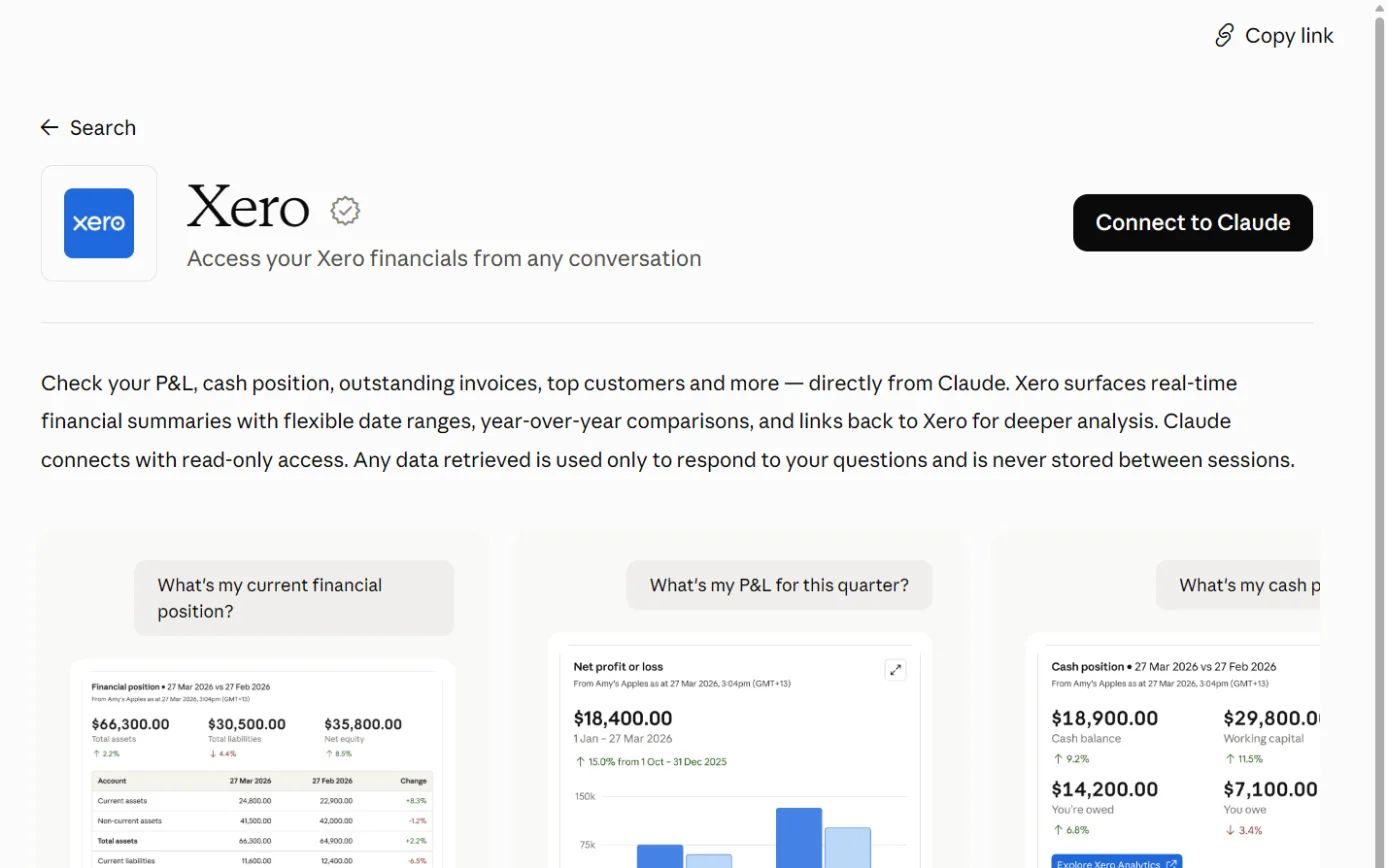
- OpenAI’s listing describes profit and loss, cash position, outstanding invoices and top customers, with links back to Xero.65
- Xero Central’s list goes further, covering bills and suppliers, repeating invoices and bills, contacts, and organisation details. Answers show interactive widgets that link through to Xero.46
- The listing says ChatGPT connects with read-only access.6566 Xero Central says ChatGPT can’t change anything in your Xero organisation.46
- Xero says you can build your own workflows that pull live Xero data.34
What you need A Xero subscription. The sources we read don’t name a required Xero plan.
- A Xero subscription. The sources we read don’t name a required Xero plan.346546
- A ChatGPT account. OpenAI says availability depends on the plugin, your plan and your workspace settings, and some connections need admin approval.65
- Xero Central asks for ChatGPT Plus, or access to ChatGPT Work, Codex or ChatGPT for Excel and Google Sheets.46
- In ChatGPT Business, apps start switched on. In Enterprise and Edu, new plugins and apps generally stay off until an admin reviews them.81
Steps to connect (OpenAI's plugin docs and Xero Central, neither dated)
-
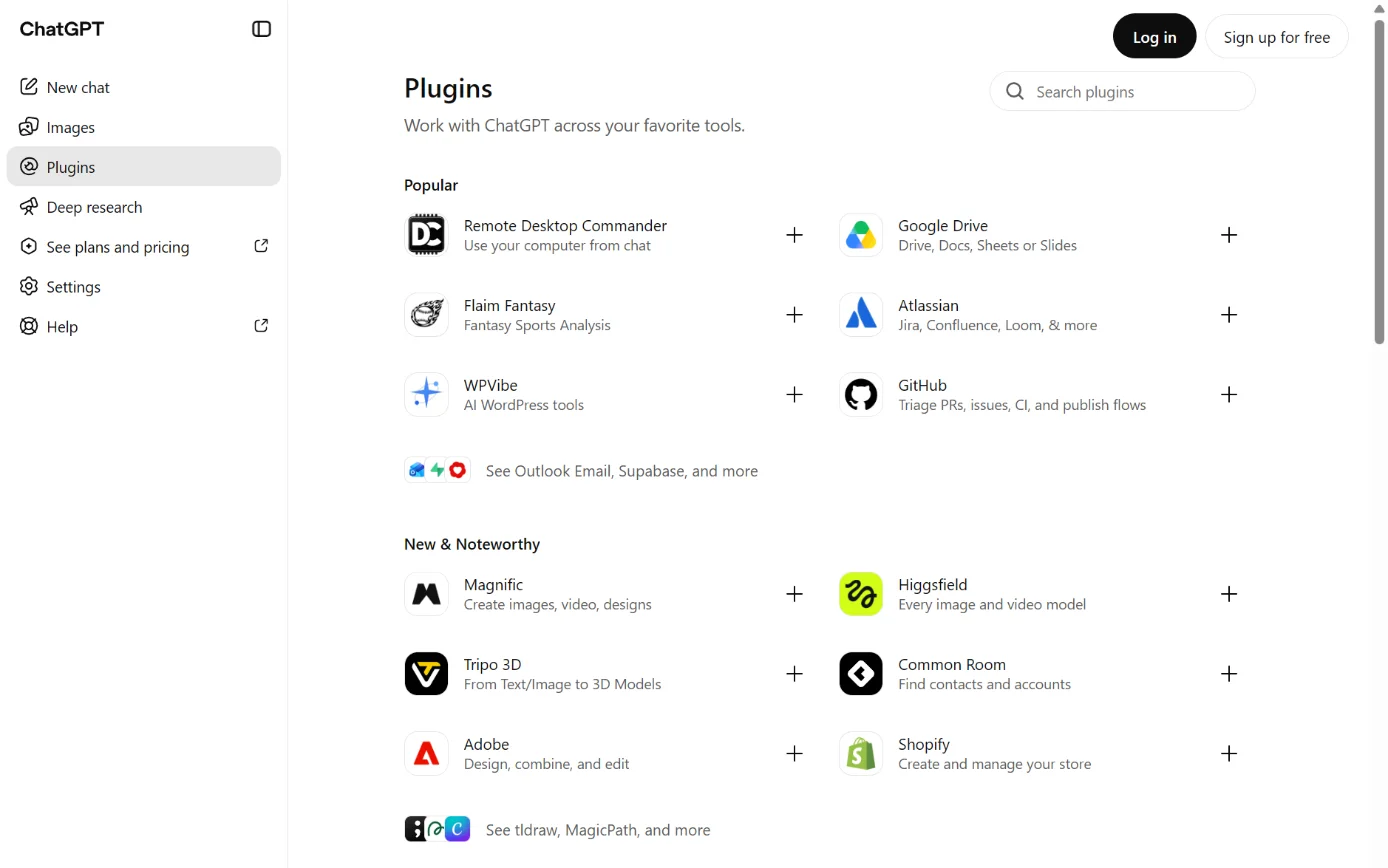
Screenshot: ChatGPT’s Plugins page, signed out, 18 October 2026. -
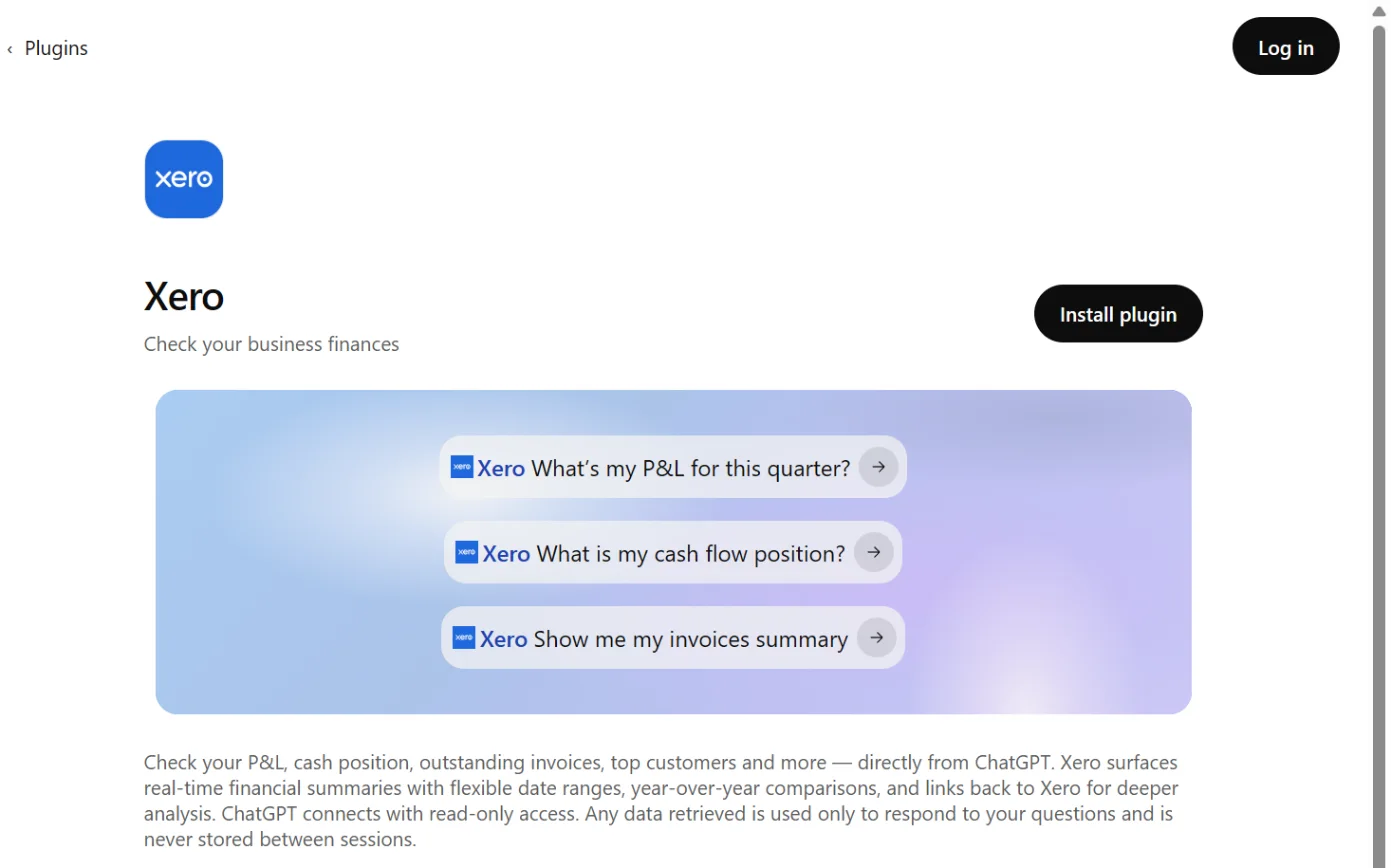
Screenshot: ChatGPT’s plugin directory, the Xero page, signed out, 18 October 2026. -
A drawing from the step’s own words. The real screen may look a little different. -
A drawing from the step’s own words. The real screen may look a little different.
Pictures without a date are drawings from each step’s own words. The real screen may look a little different.
Xero Central’s own steps match. Open Plugins, search for Xero, select it and click Install or Get started, then sign in to Xero and pick the organisation.46
To disconnect Select Uninstall plugin where it’s offered. OpenAI’s help centre warns that uninstalling can disconnect all the accounts connected through the plugin. Its Learn docs add that a separately connected integration stays connected until you disconnect it.
- Select Uninstall plugin where it’s offered. OpenAI’s help centre warns that uninstalling can disconnect all the accounts connected through the plugin. Its Learn docs add that a separately connected integration stays connected until you disconnect it.8068
- To disconnect just your Xero account: Settings > Plugins > Xero > the account’s ••• menu (or Connection) > Disconnect.80 Workspace admins can disable a plugin under Workspace settings > Plugins.67
- Xero Central’s ChatGPT article has no disconnect steps.46 On the Xero side, use Xero’s general steps under Settings > Connected apps (see Claude above).48
Limits Read-only, per the listing.
- Read-only, per the listing.65
- OpenAI’s listing says retrieved data is used only to answer you and isn’t stored between sessions.65
- ChatGPT’s listing also says ChatGPT may share relevant chats and memories with the Xero plugin, under Xero’s terms and privacy policy.66
- The same listing says ChatGPT respects your training settings for data from connected apps.66 On Free, Go, Plus and Pro, OpenAI may use information from apps to train its models if Improve the model for everyone is on. Business, Enterprise and Edu aren’t used for training by default.79
- OpenAI’s docs say that when ChatGPT sends data through a plugin’s server, that service’s terms and privacy policy apply.68