



ChatGPT and Zoom
Official? Yes. The “Zoom” plugin in ChatGPT is built by Zoom Communications, Inc.
What it can see and do Read meeting details, past meetings, summaries, transcripts, recordings and files. It can find the moment a topic came up and play it in an embedded player.
- Read meeting details, past meetings, summaries, transcripts, recordings and files. It can find the moment a topic came up and play it in an embedded player.4139
- Create agendas and other files attached to meetings, and Zoom Canvas docs. ChatGPT confirms first, and the doc is only made after you click Create.41
- The Whiteboard connector can create, update and delete whiteboards and change who has access.42
- Your ChatGPT permission setting decides when it asks first. OpenAI lists creating, editing or deleting a file as actions that may need extra review.52
What you need A licensed user on Workplace Pro or above, a Zoom account owner or admin with privileges, and a ChatGPT account.
- A licensed user on Workplace Pro or above, a Zoom account owner or admin with privileges, and a ChatGPT account.41
- Meeting summary or smart recording switched on. The Ask tool needs a ZoomMate or Custom AI Companion licence.41
- OpenAI says availability depends on the plugin, your plan and workspace settings, and some connections need admin approval.39
Steps to connect (Zoom's support article, last modified 17 September 2026)
-
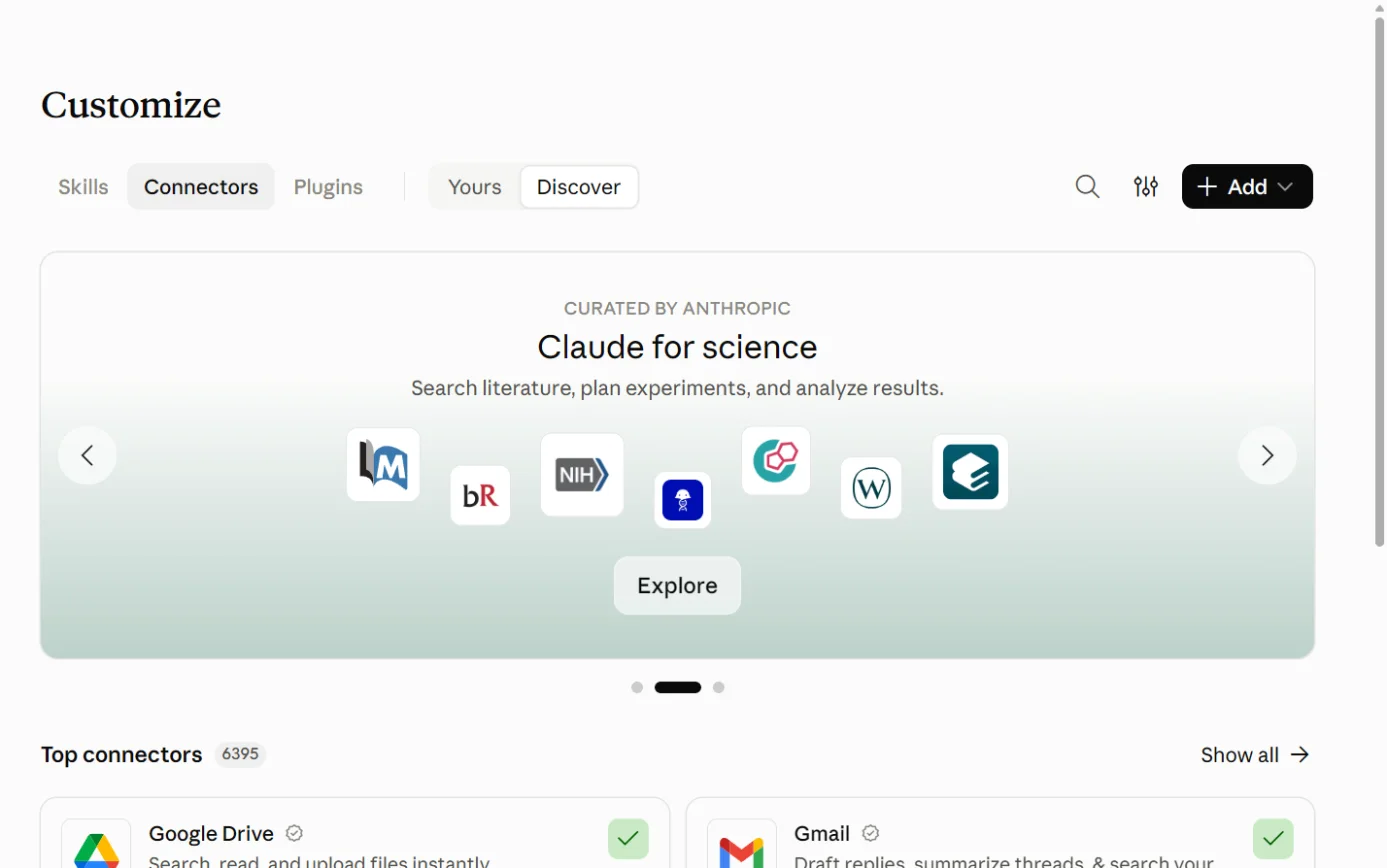
A drawing from the step’s own words. The real screen may look a little different. -
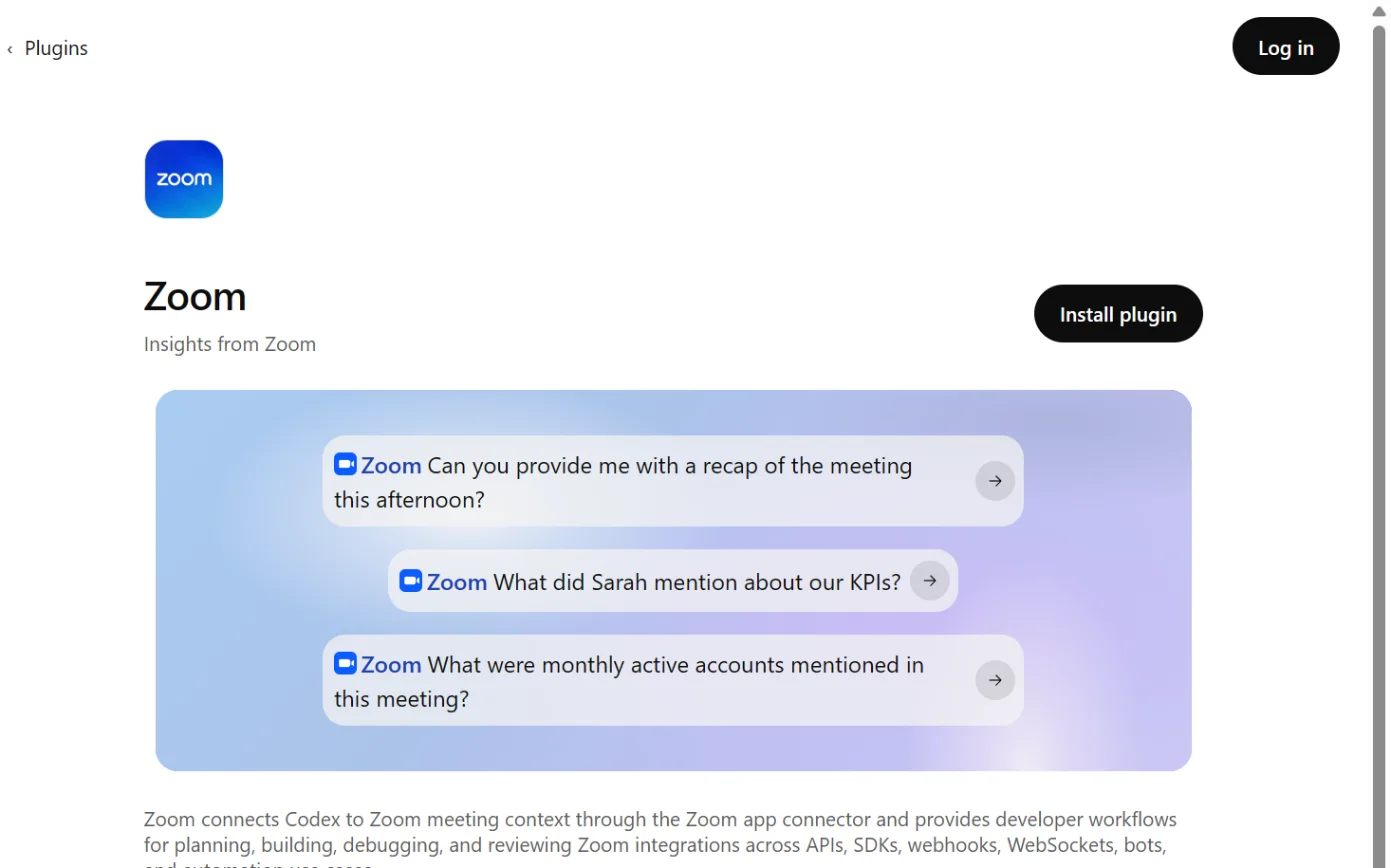
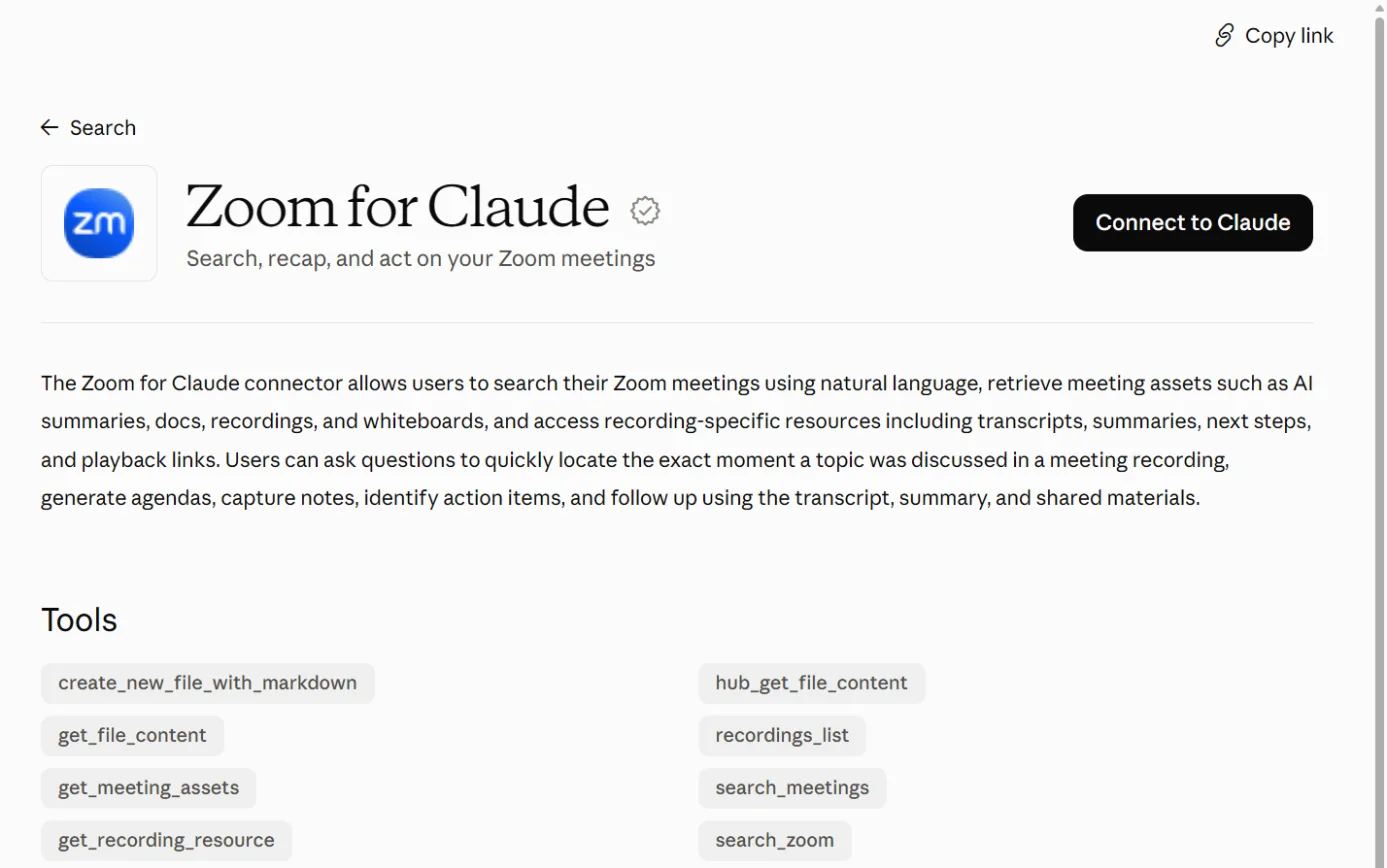
Screenshot: ChatGPT’s plugin directory, the Zoom page, signed out, 18 October 2026. -
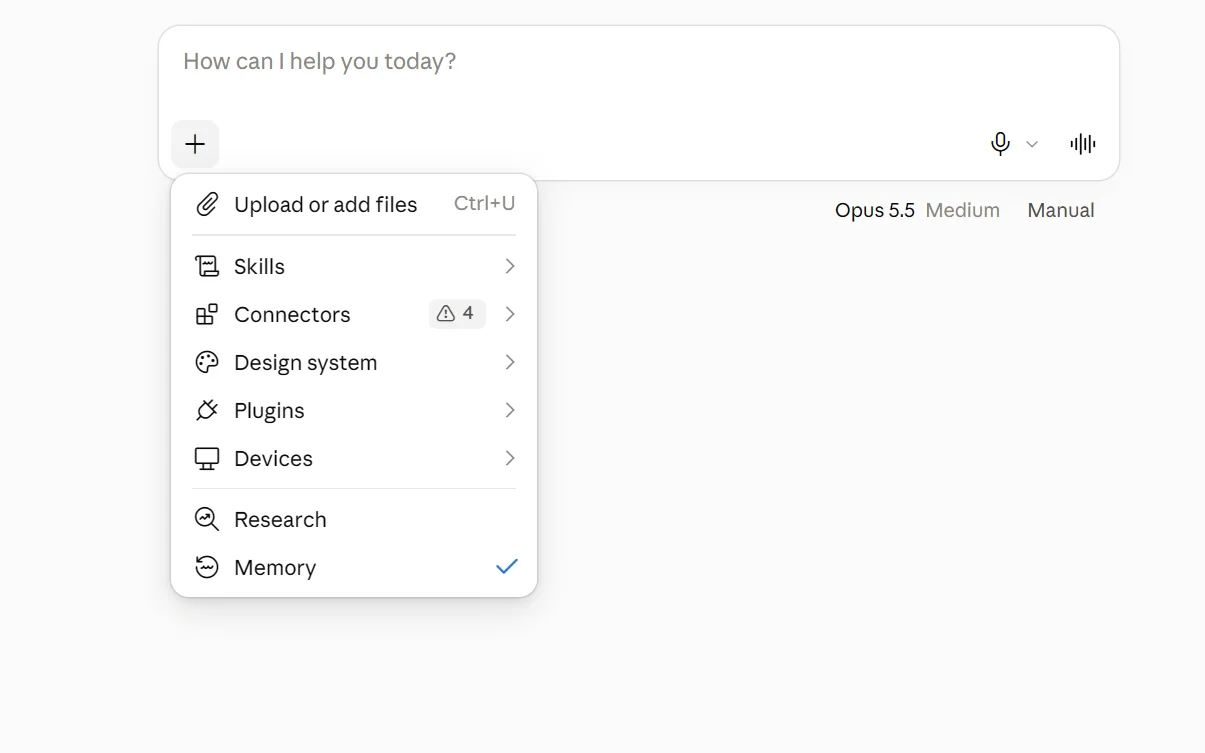
A drawing from the step’s own words. The real screen may look a little different. -
A drawing from the step’s own words. The real screen may look a little different. -
A drawing from the step’s own words. The real screen may look a little different.
Pictures without a date are drawings from each step’s own words. The real screen may look a little different.
To disconnect In ChatGPT, open Settings > Plugins, select Zoom, then Disconnect.
- In ChatGPT, open Settings > Plugins, select Zoom, then Disconnect.53
- Zoom’s article says to remove it in the Zoom App Marketplace: click Manage, then Added Apps, then Remove next to Zoom for ChatGPT.41
- For the Whiteboard connector, Zoom says to open Apps & Connectors, select Zoom Whiteboard and click Remove.42
Limits When connected, ChatGPT may share relevant chats and memories with Zoom, under Zoom’s terms and privacy policy.
- When connected, ChatGPT may share relevant chats and memories with Zoom, under Zoom’s terms and privacy policy.40
- Zoom says data shared with ChatGPT is processed by OpenAI under OpenAI’s terms, and that admins can restrict third-party app permissions in the Zoom Marketplace.42
- Disconnecting doesn’t delete past chats or memories in ChatGPT.53
- The ChatGPT listing says “Use of apps may come with elevated risk.”40